Detect AI-Generated Images with Confidence
Advanced signal analysis technology to identify AI-generated content. Features heatmap visualization, batch processing, and comprehensive detection reports.
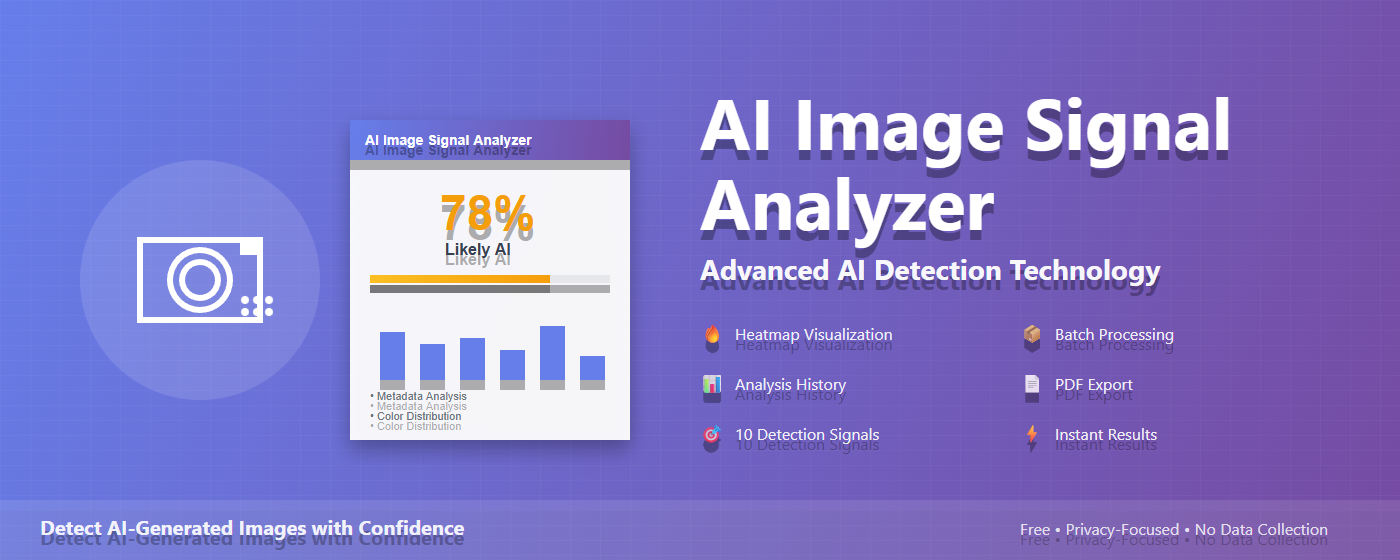
Advanced signal analysis technology to identify AI-generated content. Features heatmap visualization, batch processing, and comprehensive detection reports.
Visual overlay showing suspicious regions with color-coded suspicion levels. See exactly where AI generation is detected in your images.
Analyze 2-10 images simultaneously with real-time progress tracking. All results automatically saved to history for easy reference.
Track all past analyses with statistics dashboard. View thumbnails, classifications, and timestamps for up to 50 recent analyses.
Download professional analysis reports with all detection details, signal breakdowns, and visual charts for documentation.
Comprehensive analysis using metadata, color distribution, noise patterns, edge quality, texture coherence, and more.
Fast analysis typically under 1 second. Right-click any image on the web or upload local files for immediate analysis.
All analysis happens locally in your browser. No images uploaded to servers. No data collection or tracking.
View detailed camera information including make, model, lens, exposure settings, and software tags in a collapsible interface.
Visual bar chart showing confidence levels for each detection signal. Easy to understand at a glance.
Right-click any image on the web and select "Analyze Image", or upload local files through the extension popup.
10 sophisticated detection signals examine metadata, color patterns, noise, edges, textures, and statistical anomalies.
Get AI probability (0-100%), classification (Likely AI/Real/Uncertain), detailed signal breakdown, and optional heatmap visualization.
Download PDF reports, copy text summaries, or save to history for future reference and comparison.
Examines camera info, EXIF data, and software tags to detect AI generation markers.
Analyzes color patterns and histograms to identify unnatural distributions typical of AI.
Distinguishes between camera sensor noise and AI-generated noise characteristics.
Detects AI-generated halos, over-sharpening, and edge artifacts.
Examines pattern consistency and texture uniformity across the image.
Identifies unusual statistical distributions in pixel values and gradients.
Checks perspective accuracy and geometric relationships in the image.
Analyzes frequency domain patterns typical of AI generation algorithms.
Examines JPEG compression patterns and artifact distribution.
Verifies dimensions, aspect ratios, and pixel-level uniformity.
Join thousands of users who trust AI Image Signal Analyzer for image verification
Add to Chrome - Free Forever